Last month a client sent me a screenshot at 8 in the morning with one line: “Did we get penalised?” It was a small physiotherapy practice. Their rankings looked exactly the same as in spring. Impressions in Search Console were actually up. But the booking form, which used to get four or five requests a day, was getting one.
No penalty. No broken plugin. No lost backlinks. What they were seeing was the AI Overviews traffic drop, and it is now the most common question I get from business owners. Here is how I traced it, and what I changed on their site so the phone started ringing again.
First, rule out the boring stuff
When traffic falls, people panic and start rewriting everything. I do the opposite. I check the boring things first, because most “Google problems” are actually website problems:
- Is the form still sending emails? (You would be surprised how often it is not.)
- Did someone change the menu or remove the booking button?
- Is the site still fast on a phone?
- Did any page get set to noindex by accident?
All fine. So I opened Google Search Console and compared the last three months with the same period last year.
What the AI Overviews traffic drop looks like in the data
The pattern was clear. Impressions: up 12%. Average position: almost unchanged. Clicks: down a lot. Click-through rate on their blog posts had fallen off a cliff.
I took the top ten queries and searched them myself. Questions like “how long does sciatica last” or “exercises for lower back pain” now had a long AI answer at the top of Google. The visitor got their answer and left. Nobody needed to visit the clinic’s blog anymore. That is zero-click search in one picture.

The interesting part was what had not dropped: searches like “physio near me”, “sports massage Milan” and the clinic’s own name. People who wanted to book still clicked. The AI took the readers, not the buyers.
The AI took the readers, not the buyers. So the website had to get much better at serving the buyers.
Rayhan Chowdhury
What I changed on the website
We could not switch AI Overviews off. So we stopped trying to win back the casual readers and focused on the people who still arrived ready to act.
1. The homepage stopped explaining and started answering
The old hero said “Welcome to our clinic”. The new one says what the visitor wants to know in five seconds: what we treat, where we are, how fast you can be seen, and a single “Book an assessment” button. Below it: real reviews and the price of a first visit. This is the same approach I describe in the post about pretty websites that do not convert.
2. Blog posts got something the AI cannot copy
Generic advice gets summarised. Real experience does not. We rewrote their top posts with things only the clinic could say: what they see in patients every week, photos of their own exercises, and a clear “when you should see a professional” section with a link to book. Google’s own guidance on helpful, people-first content points in exactly this direction.
3. Structure for AI search optimization
For AI search optimization we kept it simple: one question per heading, a short direct answer underneath, FAQ sections and proper schema for the business and its services. When an AI tool does answer, it now has a clean source to cite, often with the clinic’s name in it.
4. Booking without the back and forth
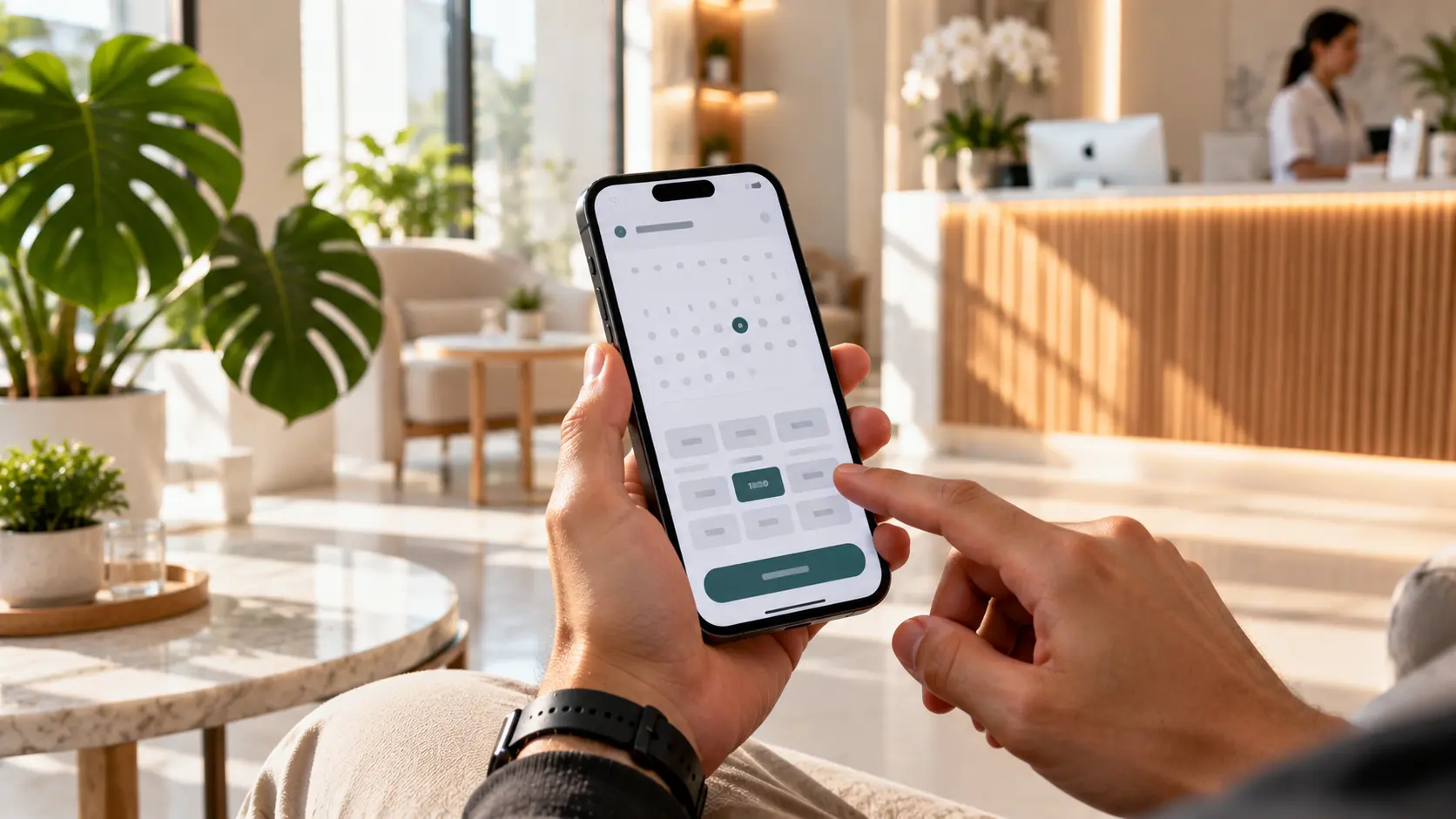
The contact form became an online booking system. Visitors pick a time instead of waiting for a reply. For a service business this alone often lifts the website conversion rate more than any traffic campaign.
5. Someone answers at 10 pm
Many visitors arrived in the evening with one quick question: “Do you treat knee injuries?” “Is parking available?” We added a small assistant trained only on the clinic’s own pages, with a clear hand-over to a human. I set these up as part of my AI chatbot and automation work, and the rule is always the same: it answers what it knows and books a call for the rest.
What happened next
Traffic did not come back to last year’s level, and I told the client it probably never will. But within six weeks the booking requests were higher than before the drop. Fewer visitors, better visitors, and a website that finally made it easy for them to act.
That is the real lesson of the AI Overviews traffic drop. It is not an SEO problem you fix with more blog posts. It is a conversion problem that SEO made visible.
A simple checklist for your own site
- Compare clicks and impressions year over year in Search Console. Stable impressions plus falling clicks usually means AI answers.
- Search your top ten questions yourself and note which ones show an AI Overview.
- Find the pages that still bring enquiries. Protect and improve those first.
- Make your homepage answer: what you do, for whom, proof, price range, next step.
- Rewrite your best posts with first-hand experience, not general advice.
- Check mobile speed. Google’s Core Web Vitals are a good benchmark.
- Measure enquiries and bookings every month, not just traffic.
The mistake I almost made
My first instinct, honestly, was to publish more. More blog posts, more keywords, more “ultimate guides”. I even drafted a content plan with twenty new articles. Then I looked again at the data and stopped. Every one of those twenty topics already had an AI Overview. I would have spent months writing pages that Google would summarise in a paragraph.
So I deleted the plan and kept three ideas: a page about the clinic’s own treatment process with real photos, an honest “how much does physiotherapy cost in Milan” page with their actual prices, and a case study from a runner who came back from an injury. Three pages nobody else could write. Those three pages now bring more bookings than the old twenty blog posts combined.
Why the visitors who still click are worth more
There is a positive side to the AI Overviews traffic drop that nobody talks about. The person who reads an AI answer and still clicks through to your website is usually not browsing. They have already learned the basics. They clicked because they want something the summary could not give them: a price, a person, a booking, a reason to trust you.
On this clinic’s site the average visitor spent more time on the page after the drop than before, and the share of visitors who opened the booking page almost doubled. Fewer people, but much warmer ones. If your website treats them like casual readers, with long intros and hidden contact details, you lose exactly the people you need most.
What I now check on every new project
This experience changed how I start every website I build. Before any design work, I ask three questions:
- Which searches still send buyers? Usually service plus location, comparisons, and brand searches. The website is built around those pages first.
- What can only this business say? Prices, process, people, results, opinions. That becomes the content plan.
- What happens at 10 pm? If nobody can answer a question or take a booking outside office hours, we fix that before launch.
It sounds simple, but it moves the focus from “how do we get more traffic” to “how do we win the visitors we already have”. In 2026 that is the question that decides whether a website pays for itself. If you want to see how this looks in practice, my case studies show the same approach on real projects across different industries.
What not to do in a panic
When traffic drops, I see the same reactions again and again. Business owners buy a new SEO package, switch agencies, publish AI-written articles in bulk or redesign the whole site. Most of those cost money and solve nothing, because the problem is not that Google forgot you. The problem is that fewer people need to click, and your site was never built to win the ones who do.
Take one calm week instead. Look at the data, find the pages that still sell, and make those pages better. It is less exciting than a full redesign, but it is what actually brings the leads back.
Questions I get about this
Is the AI Overviews traffic drop going to get worse?
For informational searches, probably yes. For “I want to hire someone” searches, clicks are holding up much better. Build your website for that second group.
Should I block Google from using my content?
For most businesses, no. Limiting snippets usually hurts normal visibility too. Being cited with your name is better than being invisible.
Do I need to publish more content?
Usually less, but better. One honest case study beats ten generic posts that an AI can summarise in a sentence.
If this sounds like your website
If your rankings look fine but the enquiries have slowed down, it is worth an hour to find out why before you spend money on ads or more content. Send me your website and I will look at your Search Console, your main pages and your contact path, and tell you honestly where the leads are being lost.